


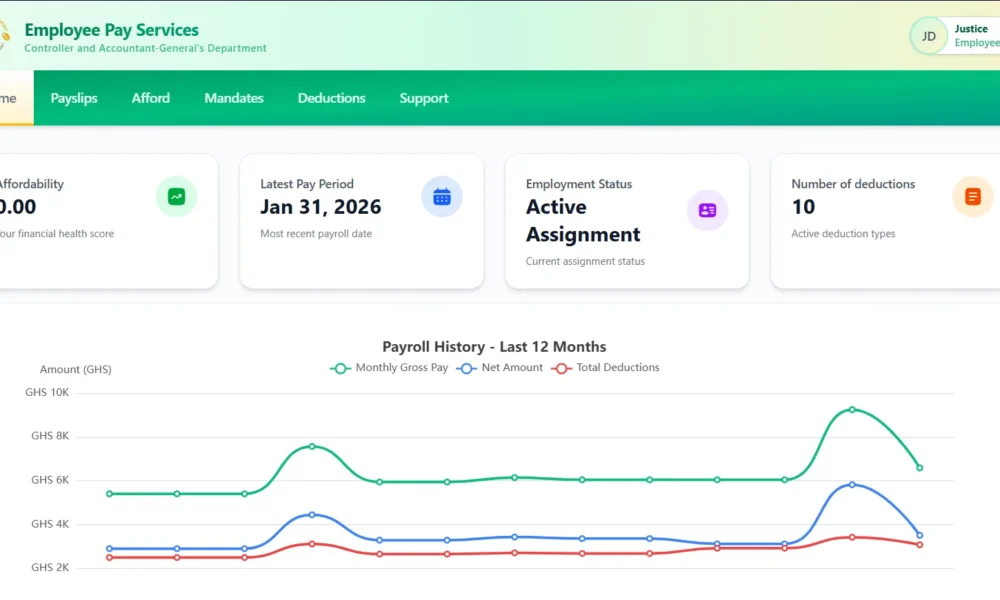
Government has activated a new online payslip system, requiring public sector employees to reset their credentials before accessing salary details.
The new platform is accessible via gogepayservices.com, and staff have been advised to complete a password reset process to log into their accounts.
Steps to Access Your Payslip
Employees are required to follow these steps:
- Visit the official website: https://gogepayservices.com
- Click on “Forgot Password”
- Enter your Staff ID, Ghana Card number, and registered email address
- Create and set a new password
- Confirm your mobile number to receive a One-Time Password (OTP)
- Log in again using your Staff ID and newly created password
Possible OTP Delays
Users have been cautioned that the One-Time Password (OTP) may be delayed or not received immediately due to high traffic on the portal.
Staff experiencing delays are advised to wait and try again later when site traffic reduces.
The new system forms part of ongoing efforts to streamline payroll access and enhance digital service delivery for public sector workers. Employees are encouraged to complete the password reset process promptly to avoid disruptions in accessing their payslips.
Other GCNews

Australian Scholarships Open; Ghanaian Students Eligible